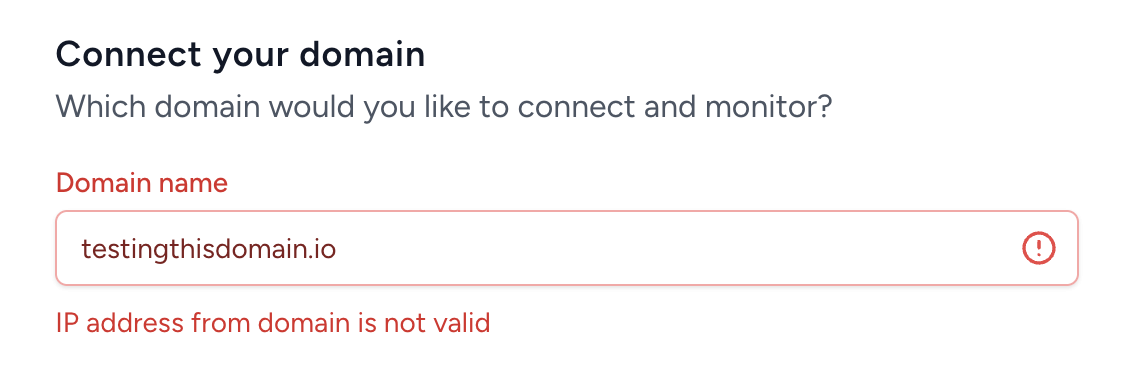
“IP address from domain is not valid.”
Your domain doesn't currently resolve/point to a valid IP address.
In other words, if someone tries to visit your domain in a browser, nothing loads there's no website or server responding at that address.
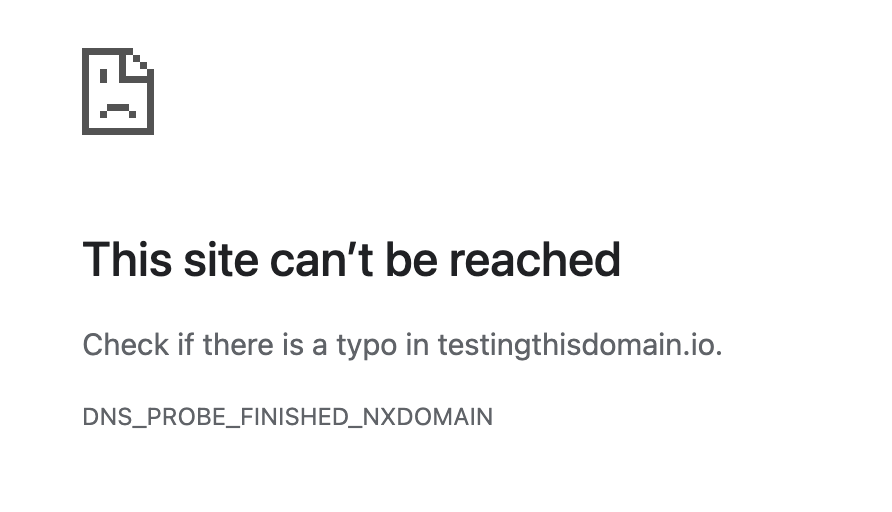
Domains must have a valid IP before they can be added for monitoring.
If you see “IP address from domain is not valid” when connecting your domain, you can easily resolve it using one of our built-in solutions:
Routes your secondary domains through our private network of clean IPs.
This helps:
Protect your main domain reputation during cold outreach
Prevent Google spam complaint notifications (spoofing alerts)
Scale easily with hundreds or thousands of masked domains
Simpler version of masking, also points your domain to our clean IPs, improving deliverability and ensuring your domain resolves properly.
Fixes the error by assigning your domain a valid A record
Improves domain reliability by routing through our clean, high reputation IPs
Shields your main domain from blacklists or reputation issues
Choose Domain Masking or Hosted Redirects from your dashboard
Copy the A record provided by EmailGuard
Add it to your DNS settings under your registrar (Namecheap, GoDaddy, etc.)
Once DNS updates, reconnect your domain
🎥 Watch the quick setup video: How to Set Up Domain Masking