Running inbox placement tests is easy.
Click New Inbox Placement Test

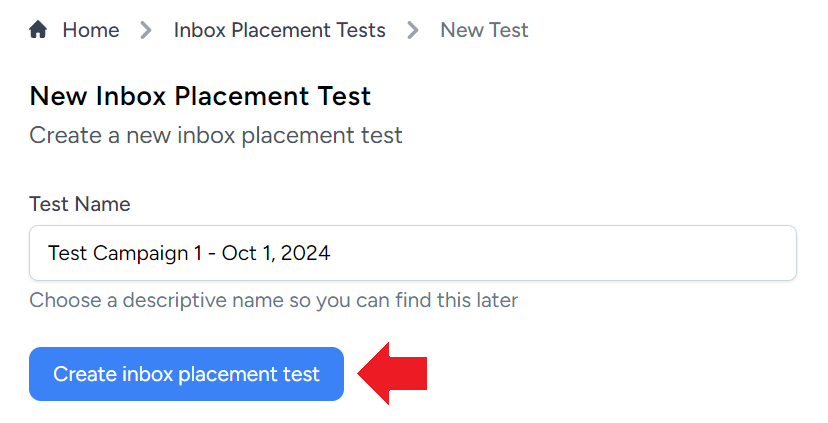
Enter a descriptive name for your test campaign and click Create inbox placement test
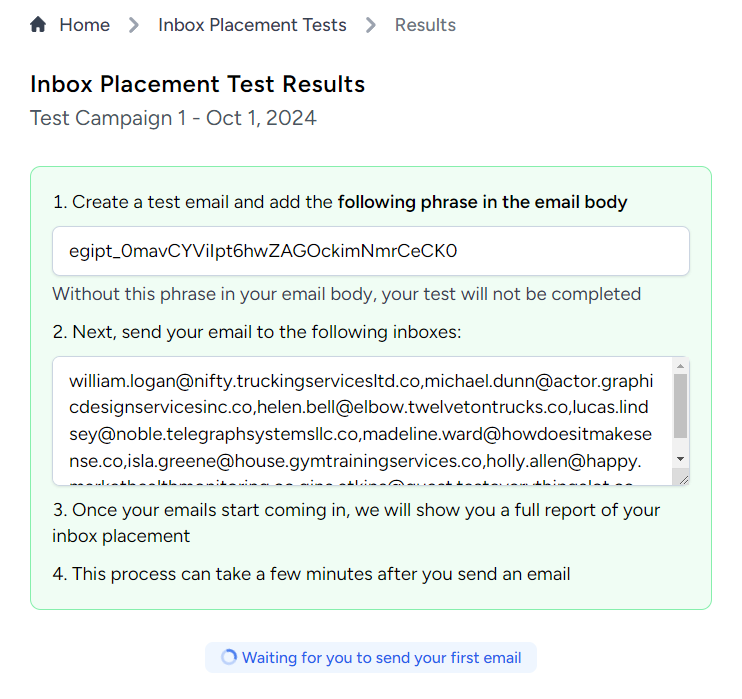
You will be presented with a unique phrase and email addresses from different email providers.
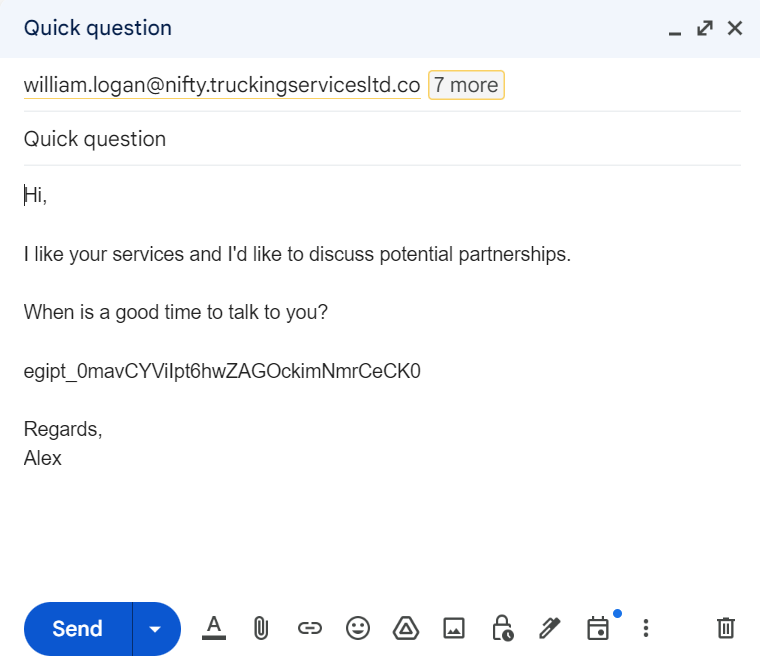
Write a new email to the recipients provided by EmailGuard. It is mandatory to include the unique phrase within the email.
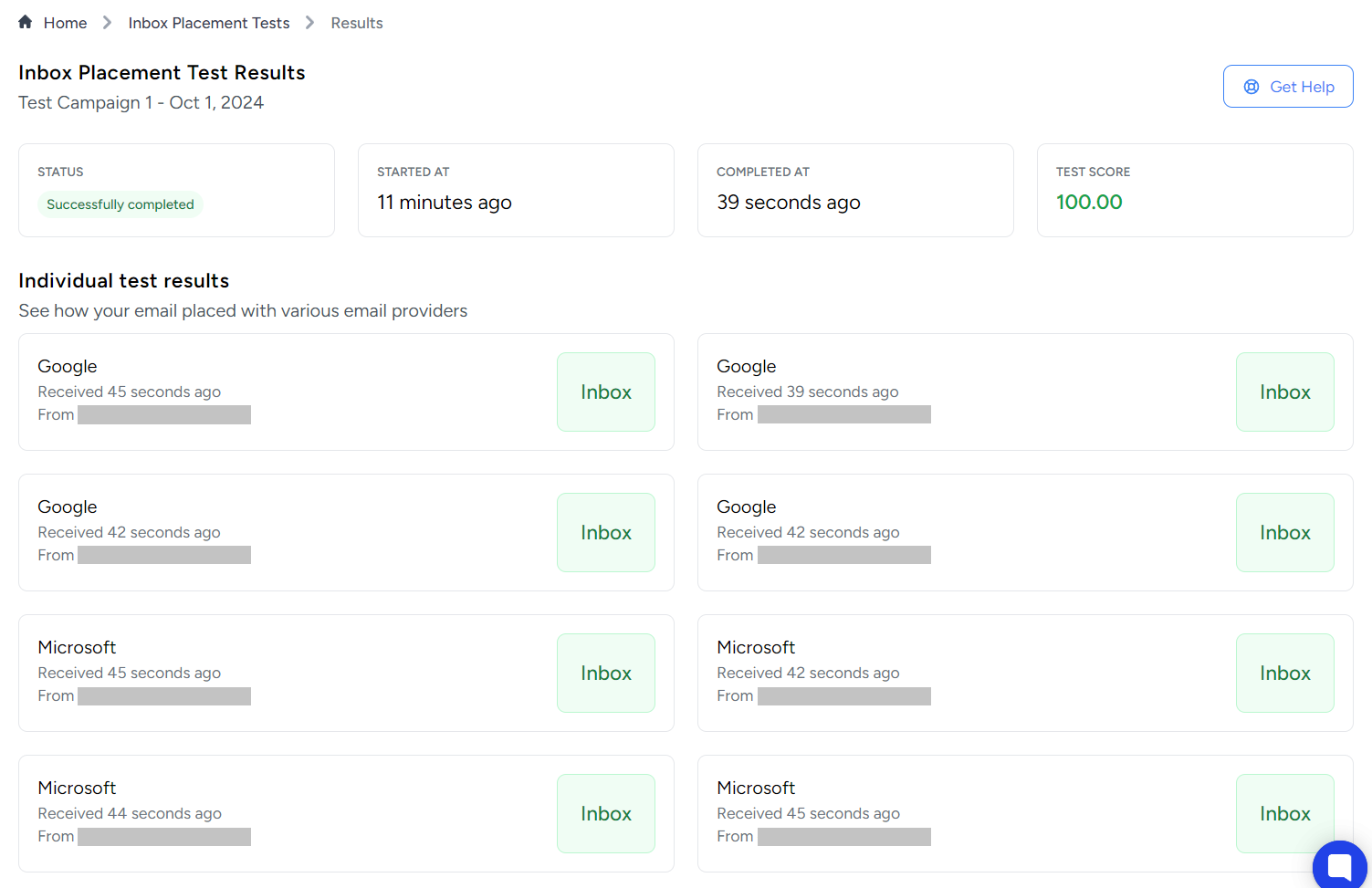
Within a few minutes, your placement results should be available.
If you're technical, click here to see how to use our API for inbox placement tests.
